

Why This Matters
Hidden subscriptions are eating away at your budget silently. You signed up for a free trial three months ago, forgot about it, and now you’re paying $14.99 every month. Multiply that by five or six forgotten services, and you’re easily spending $100+ on subscriptions you don’t actively use.
The good news? Finding them takes about 30 minutes. We’ll walk you through the exact places where subscriptions hide — your credit card statements, email confirmations, app stores, and your actual device settings. Once you know what you’ve got, you can actually make a choice about what to keep.

Step 1: Check Your Credit Card & Bank Statements
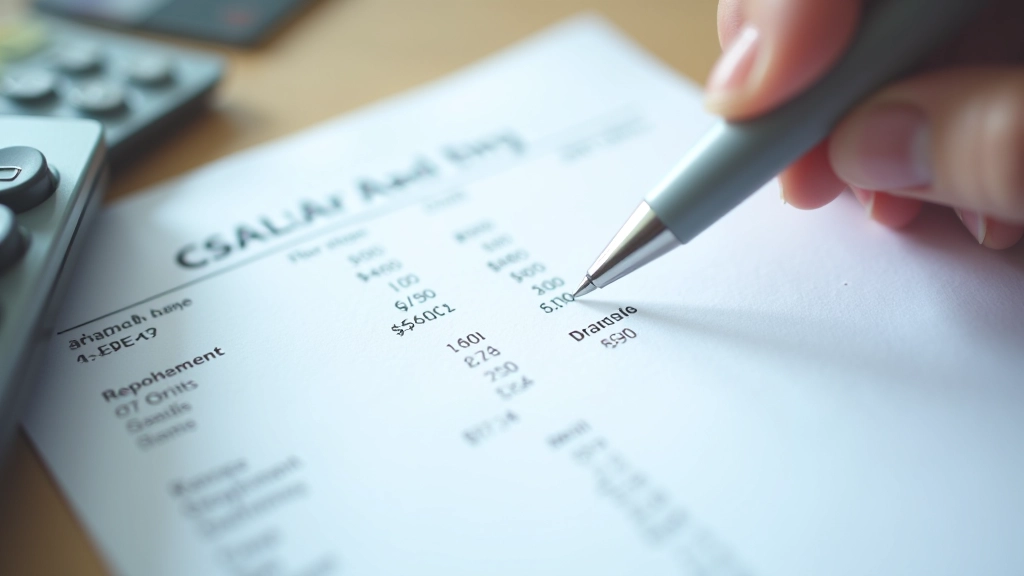
This is the fastest way to see everything. Log into your bank’s app or website and look at the last 2-3 months of transactions. Search for recurring charges — they’ll have similar amounts going out on roughly the same date each month.
Pro tip: Look for company names you don’t immediately recognize. Sometimes services charge under their parent company’s name or an abbreviation. That charge labeled “AMZN” is Amazon Prime. “SPOTIFY AB” is Spotify.
If you use multiple cards, check all of them. Many people put different subscriptions on different cards, making it harder to track the full picture. Some subscriptions also charge under slightly different names each month — like “NETFLIX.COM” versus “NETFLIX INC” — so you’re really looking for the same amounts repeating, not necessarily identical names.
Step 2: Search Your Email for Confirmation Messages
Open your email and search for “receipt”, “confirmation”, “subscription”, “trial”, and “billing”. You’ll be surprised what comes up. Companies send you a confirmation email when you sign up, usually with an unsubscribe link or account management link in the footer.
This method catches services that might have slipped through your bank statement check — especially smaller charges or ones that came from a gift card instead of your actual card. It also helps you find services you may have genuinely forgotten about completely. That email from 18 months ago about “Your Premium Account Activated” might be something you’re still paying for.
Search: “receipt” or “invoice”
Search: “billing” or “charge”
Search: “subscription” or “trial”
Search: “renew” or “activated”

Important note: This guide is educational and designed to help you understand how to track your own subscriptions. Different banks and payment processors may display transaction information differently. If you notice any unauthorized charges or suspect fraud, contact your bank or financial institution immediately. Always keep your account credentials secure and review your statements regularly.
Step 3: Check Your App Store Subscriptions
This is where a lot of subscriptions hide. Both Apple and Google let you manage all your subscriptions in one place. Most people never go looking there, which is exactly why companies rely on this method.
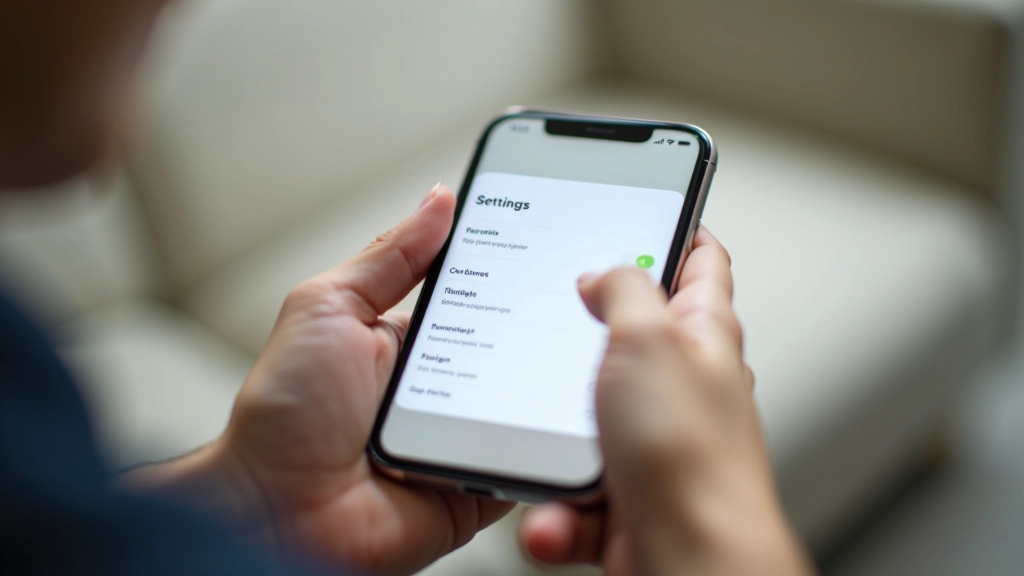
On iPhone/iPad: Settings Your Name Subscriptions. You’ll see every active subscription, plus expired ones you’ve already cancelled. It’s a complete list that sometimes doesn’t match your bank statement because some subscriptions charge through Apple’s system instead of directly.
On Android: Open Google Play Store tap your profile icon Payments and Subscriptions Subscriptions. Same deal — you’ll see everything active right now. Android also shows your subscription history if you need to check what you cancelled previously.
Step 4: Don’t Forget These Other Places
Some subscriptions hide in less obvious locations. A quick check of these areas often reveals 1-2 forgotten services.
Streaming Device Apps
If you have a Roku, Apple TV, Amazon Fire Stick, or smart TV, check the subscriptions section on those devices too. You might have set something up years ago that you forgot about. These sometimes don’t show up on your phone’s app store settings.
Browser Extensions & Password Managers
If you use a password manager, search it for the word “subscription” or “billing”. It’ll pull up any accounts you’ve saved with that information. Some services are web-based only and won’t show up in your app store subscriptions.
Company Websites Directly
Log into your account on the actual company website — not the app. Sometimes the account page shows subscriptions that don’t appear anywhere else. Check your account settings or billing section.
PayPal & Digital Wallets
If you use PayPal, Apple Pay, or Google Pay, check those accounts for recurring charges. Some subscriptions run through these payment methods instead of your card directly.

The Bottom Line
You probably have more subscriptions than you think, and you’re probably paying for at least a few you’ve completely forgotten about. Spending 30 minutes this week to find them all could easily save you $50-200 per month. That’s $600-2400 per year.
The process is straightforward: check your bank statements, search your email, look in your app stores, and verify a few other spots. Make a list. Cancel what you don’t use. Set a reminder to do it again in three months.
That’s it. You’re now in control of your subscriptions instead of letting them control your budget.